
How to add a product search bar to your WooCommerce header
A visible search box is one of the cheapest ways to help shoppers who already know what they want. Here are four ways to add one, from easiest to most flexible.
1. Use your theme's setting
Many themes have a header search option. Look under Appearance, Customize, Header. It is the fastest route and it matches your design. Check that it searches products and not blog posts.
2. Use the Product Search block
On a block theme, open the Site Editor, edit the header template, and add the Product Search block. This one searches only products. The plain Search block searches everything on the site.
3. Use a widget or menu item
Classic themes may offer a search widget in a header widget area. Some page builders also have a search element you can drop into the header.
4. Use a shortcode
A shortcode lets you place a search box anywhere, including a header slot that accepts HTML, a page, or a sidebar. Lodestar Search adds [lodestar_search] for this.
What to check afterwards
- Type a product name on your phone, not just your desktop.
- Try the keyboard: up and down through results, Enter to open, Escape to close.
- If your theme opens a full screen search pop up, make sure the results still show above it.
- Search for something you know is misspelled and see what happens.
Works with the box you already have
Lodestar Search attaches to the existing search box wherever it sits: header, sidebar, mobile menu, pop up or the block editor Search block. If a box is not picked up, you can point Lodestar at it with a CSS selector in the settings.
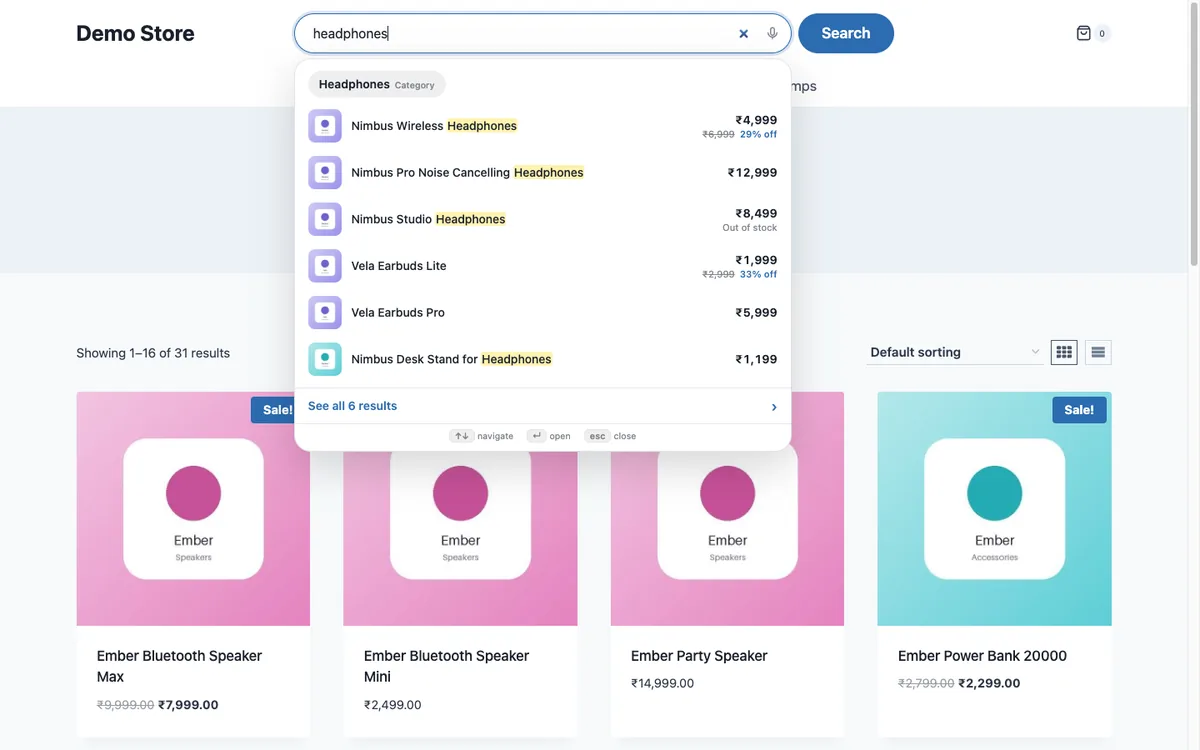
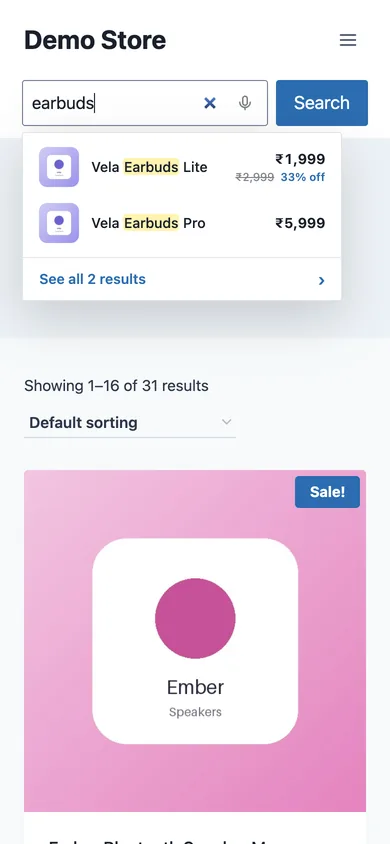
Lodestar Search is a free WooCommerce plugin with typo fix, synonyms and instant results.
Get the free plugin
Questions
How do I add a search bar to my WooCommerce site?
Use your theme's header setting, a Product Search block on a block theme, a widget, or a shortcode.
Why does my header search show blog posts?
It is using the general WordPress search. Use a Product Search block or a plugin that searches products only.
Do I need to change my theme?
No. A search plugin can attach to the search box your theme already has.