
How to choose a WooCommerce search plugin
Plugin lists tell you what exists. This page tells you what to check, so you can judge any search plugin yourself, including ours.
1. Where does the search run?
Some plugins search on your own server and database. Some send your catalogue to a hosted service and search there. Hosted search can be fast, but it adds a monthly bill, an outside company that holds your product data, and a dependency. Ask which one it is.
2. What does it cost to run on a sale day?
Live search can send a request on every keystroke. On busy days that adds load to your host. Ask whether typing wakes PHP and the database, or whether the search happens in the browser.
3. Does it correct typos?
Test it. Type a misspelling of your best selling brand. If you get nothing, shoppers who misspell will get nothing too.
4. Can you add synonyms?
You know your customers' words. You should be able to enter them in a plain list without code.
5. How does it rank?
Search for a popular product. Is the product first, or an accessory? Is the order sensible when two products match equally?
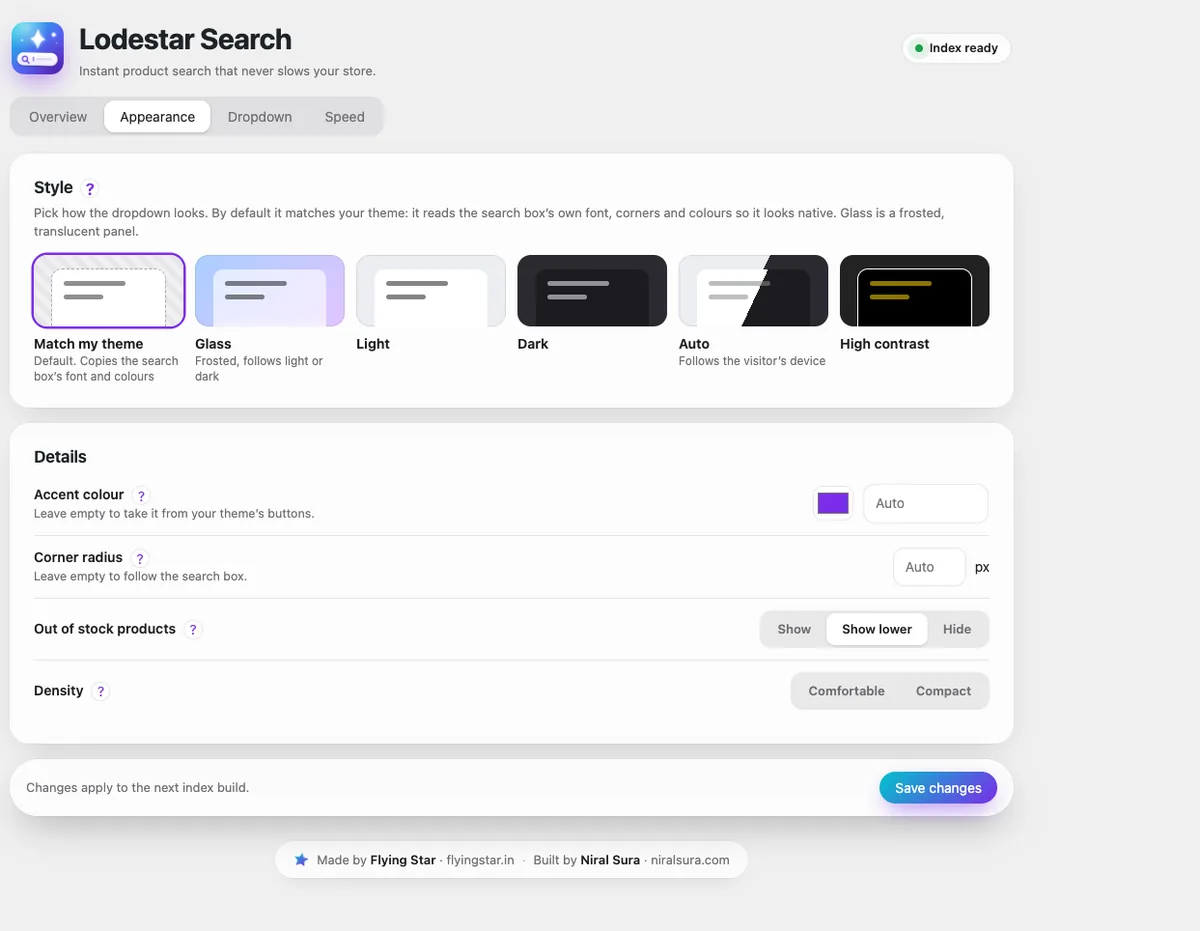
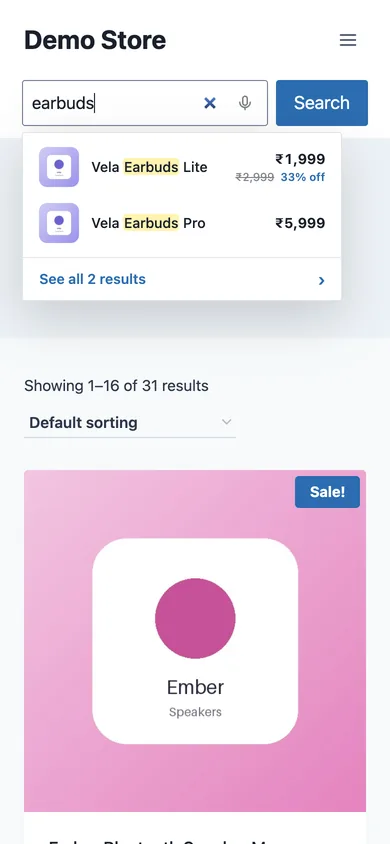
6. Does it match your theme?
A dropdown with the wrong font and corners looks bolted on. Check it in your own header, on a phone, and in any full screen search pop up your theme uses.
7. What happens to your data?
Read the privacy section. Does the plugin send search words or product data to anyone? If you sell in the EU or UK that matters for your own privacy policy.
8. What happens if you stop paying?
Ask what keeps working if a paid plan lapses. A plugin that stops searching the day a licence ends is a risk to your sales. With Lodestar, the free plugin keeps its full search engine at all times, and Pro only adds extras.
9. Test it on your own products
Install it on a staging copy. Run your top ten searches, ten misspellings, five model numbers and five searches you know are currently failing. A demo catalogue proves nothing about yours.
Lodestar Search is a free WooCommerce plugin with typo fix, synonyms and instant results.
Get the free plugin
Questions
Do I need a paid search plugin?
Not always. Check what the free version includes. Typo fix, synonyms and ranking are the features that matter most, and some free plugins include them.
Is hosted search better than search on my own server?
It can be faster for very large catalogues. For most stores a search that runs in the browser from a small index is fast enough and costs nothing per search.
How long does it take to test a search plugin?
About 30 minutes on a staging site with a list of your real searches.