
How to speed up WooCommerce search
If the search box lags, or the server slows when many people search at once, the cause is nearly always the same: every keystroke sends a request that queries your database.
What makes search slow
The default search asks the database to scan product text with a wildcard match. That is fine for 200 products and painful for 20,000. Live search plugins that call the server on every keystroke multiply the load, and a busy sale day multiplies it again.
Fix 1: do not search on every keystroke
Wait a moment after the last key before sending a request. Cut the number of requests and the box feels the same to the shopper.
Fix 2: search a prepared index
Instead of querying your product tables live, build a small search file ahead of time and search that. The query becomes a lookup in a file, not a database scan.
Fix 3: search in the browser
If the index is small enough, the visitor's browser can load it once and search locally. Typing then costs your server nothing. A web worker keeps the page smooth while it searches.
Fix 4: do not load it until needed
A search script that loads on every page slows every page. Load the app on the first click or focus in the search box. Before that, a tiny inline script is enough.
Keep rebuilds off the shopper's path
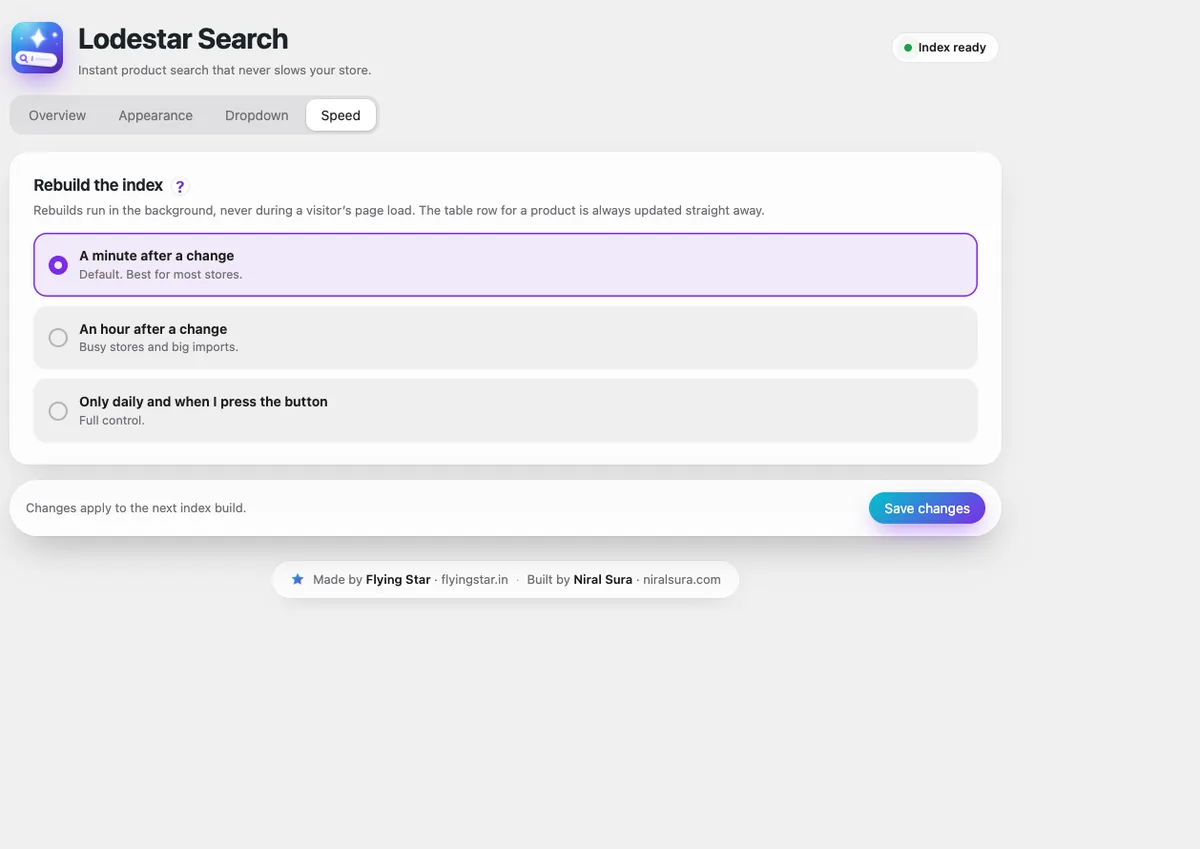
Rebuild the index in the background, one at a time, and never when a visitor happens to arrive. Product saves should never be blocked by the search.
How Lodestar Search does it
Lodestar Search follows the last three fixes. Before anyone uses a search box it adds one 1.2 KB inline script and makes no request. The first click loads the app, and parsing and searching run in a web worker. Index files are cached for a year under versioned names. Rebuilds run in the background with a lock and a time limit. Get the free plugin.
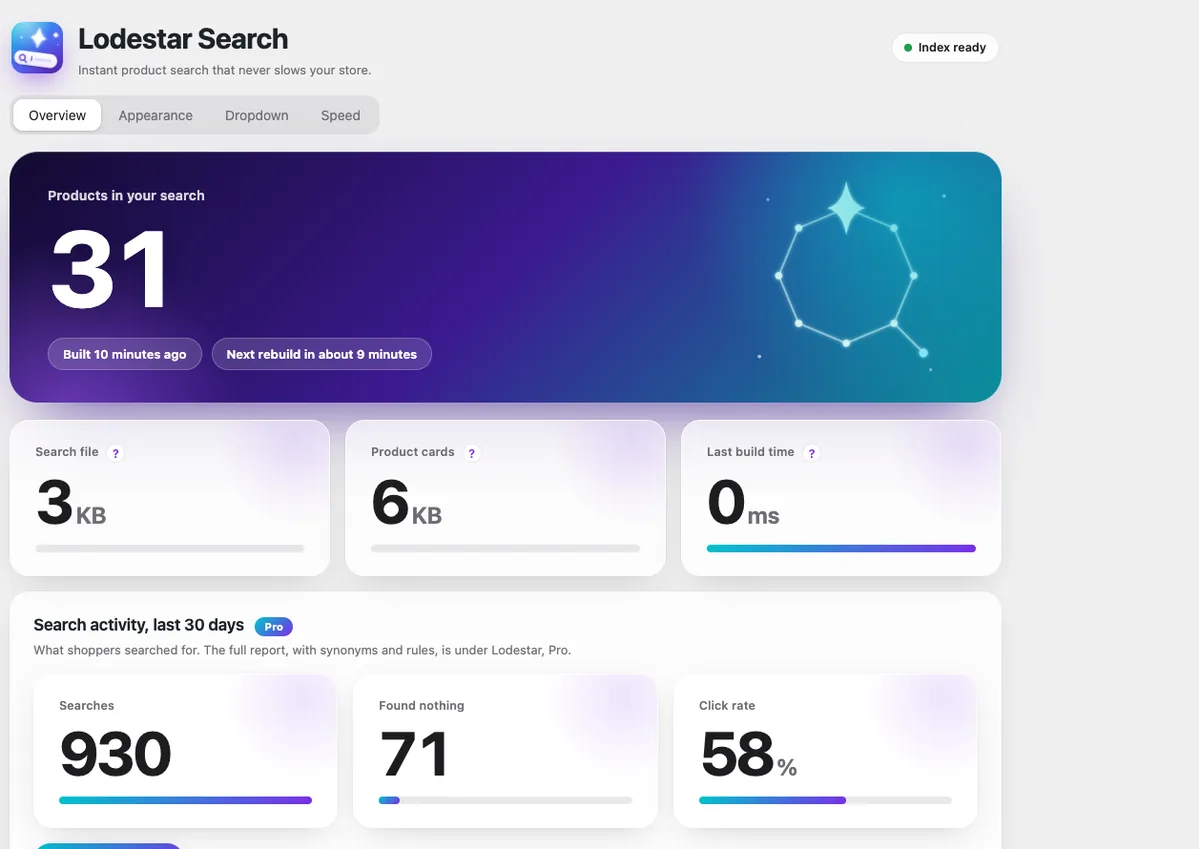
Lodestar Search is a free WooCommerce plugin with typo fix, synonyms and instant results.
Get the free plugin
Questions
Why is my WooCommerce search slow?
Usually because each search, or each keystroke, runs a wildcard query across your product text in the database. Large catalogues and busy days make it worse.
Does a search plugin slow down my site?
It can, if it loads scripts on every page or calls the server on every keystroke. Check what it loads before anyone touches the search box.
How many products can in-browser search handle?
It depends on catalogue size and field choices. Test on your own catalogue and check the index file size.